With the rise of remote work, optimizing your home office setup has never been more crucial. One of the most transformative additions you can make is an ultrawide monitor. These expansive displays not only elevate your workspace aesthetic but significantly enhance productivity. Here’s why you should consider making the switch, along with tips on setting up your ultrawide monitor for maximum efficiency.
What is an Ultrawide Monitor?
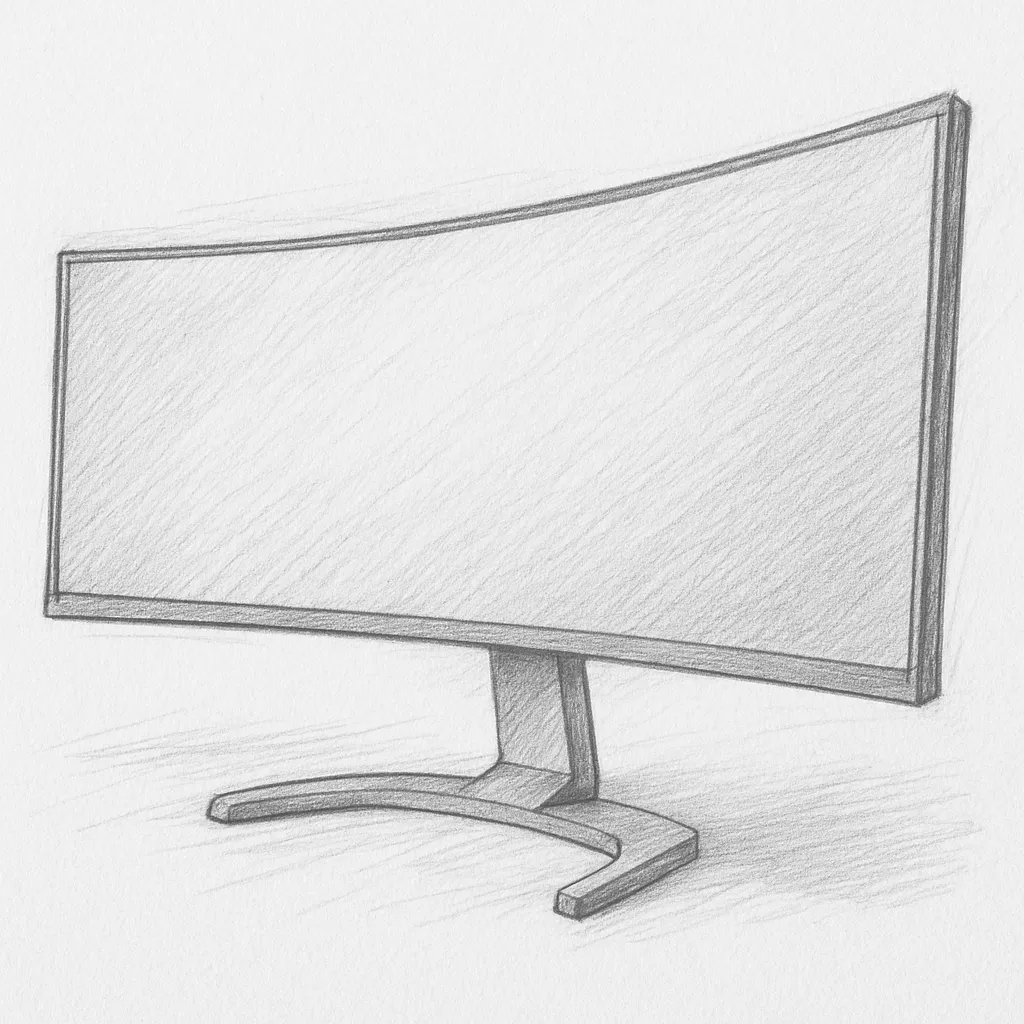
An ultrawide monitor boasts an aspect ratio of 21:9 or even 32:9, compared to the standard 16:9 seen in most traditional monitors. This means you get more screen real estate without having to stack multiple monitors. They are ideal for multitasking and provide immersive experiences for both work and leisure.
Benefits of an Ultrawide Monitor
1. Enhanced Multitasking
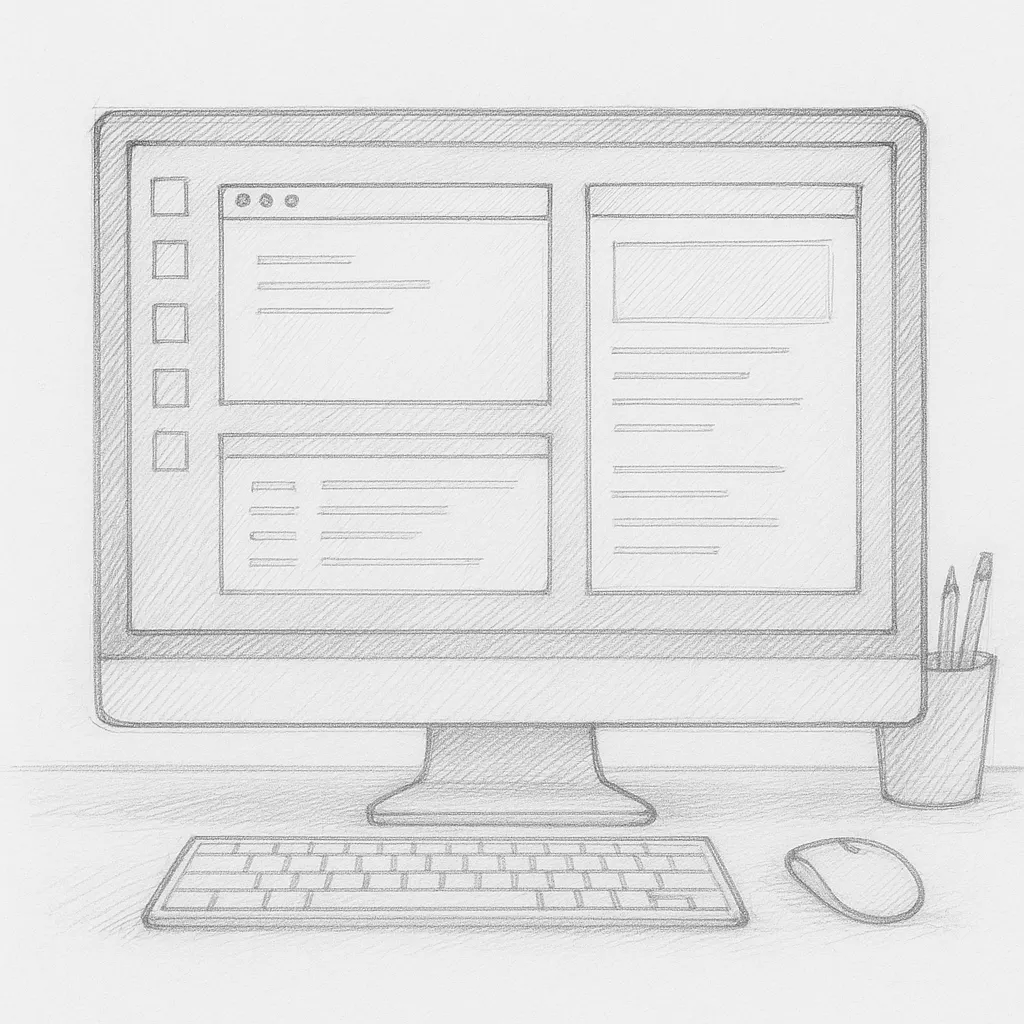
Working from home often requires juggling various applications, from video calls to spreadsheets. An ultrawide monitor allows you to split your screen and have multiple windows open side by side. For example, you can have your email on one side while reviewing a presentation on the other. This eliminates the need to switch between tabs, saving precious time and keeping your workflow seamless.
2. Immersive Experience
If your work involves graphic design, video editing, or gaming during your breaks, an ultrawide monitor can significantly enhance your experience. The wider aspect ratio provides deeper immersion, allowing you to see more of your creative canvas or game environment. This can also serve as a fantastic mental break from work, helping to recharge your productivity.
3. Reduced Eye Strain
Working long hours in front of a monitor can be taxing on the eyes. An ultrawide display offers a more natural field of view, which can reduce eye strain. Many models also come equipped with features like blue light filters and flicker-free technology, further enhancing comfort during extended use.
4. Clean and Organized Workspace
Having a single ultrawide monitor can declutter your desk. Instead of managing multiple monitors and cables, a single unit provides a tidier workspace. This can foster a more focused environment, as a clean desk often leads to a clear mind.
Setting Up Your Ultrawide Monitor
1. Optimal Positioning
To make the most of your ultrawide monitor, position it at eye level and about an arm’s length away. This reduces neck strain and allows you to take in the entire screen without having to move your head excessively. Using an adjustable monitor stand can help achieve this.
2. Utilize Display Split Software
Take advantage of software tools that allow for easy window management on your ultrawide screen. Programs like DisplayFusion and Microsoft’s PowerToys can help you create custom window layouts. This allows you to snap applications into predefined areas of the screen, optimizing your space efficiently.
3. Adjust Settings for Comfort
Make sure to adjust your monitor settings for brightness, contrast, and color temperature to suit your personal comfort. Many ultrawide monitors come with preset modes for gaming, working, or media consumption, which can enhance your experience.
4. Invest in Quality Accessories
To complete your ultrawide setup, consider investing in a good keyboard and mouse that promote ergonomic practices. An adjustable desk can also make a big difference, allowing you to switch between sitting and standing throughout the day.
5. Cable Management
With the reduced clutter that comes from switching to an ultrawide monitor, it’s important to keep cables organized. Use cable management sleeves or clips to bundle cables together, ensuring your workspace remains tidy and distraction-free.
Conclusion
An ultrawide monitor can truly transform your work-from-home experience, enhancing productivity and comfort. By facilitating multitasking, reducing eye strain, and promoting an organized workspace, you’ll find that your efficiency increases drastically. So, if you’re looking to elevate your home office setup, consider adding an ultrawide monitor—it might just be the upgrade you need to thrive in your remote working environment.
Are you considering an ultrawide monitor setup? Share your thoughts or any questions in the comments below!
Recommended Products
Everything you need to complete your ultrawide setup:
- LG 34” UltraWide Monitor — LG makes the most popular ultrawide monitors for home office use. The 34” IPS panel is the sweet spot for most setups.
- Single Monitor Arm — Frees up desk space and lets you adjust your screen to exact eye level. Essential for an ultrawide.
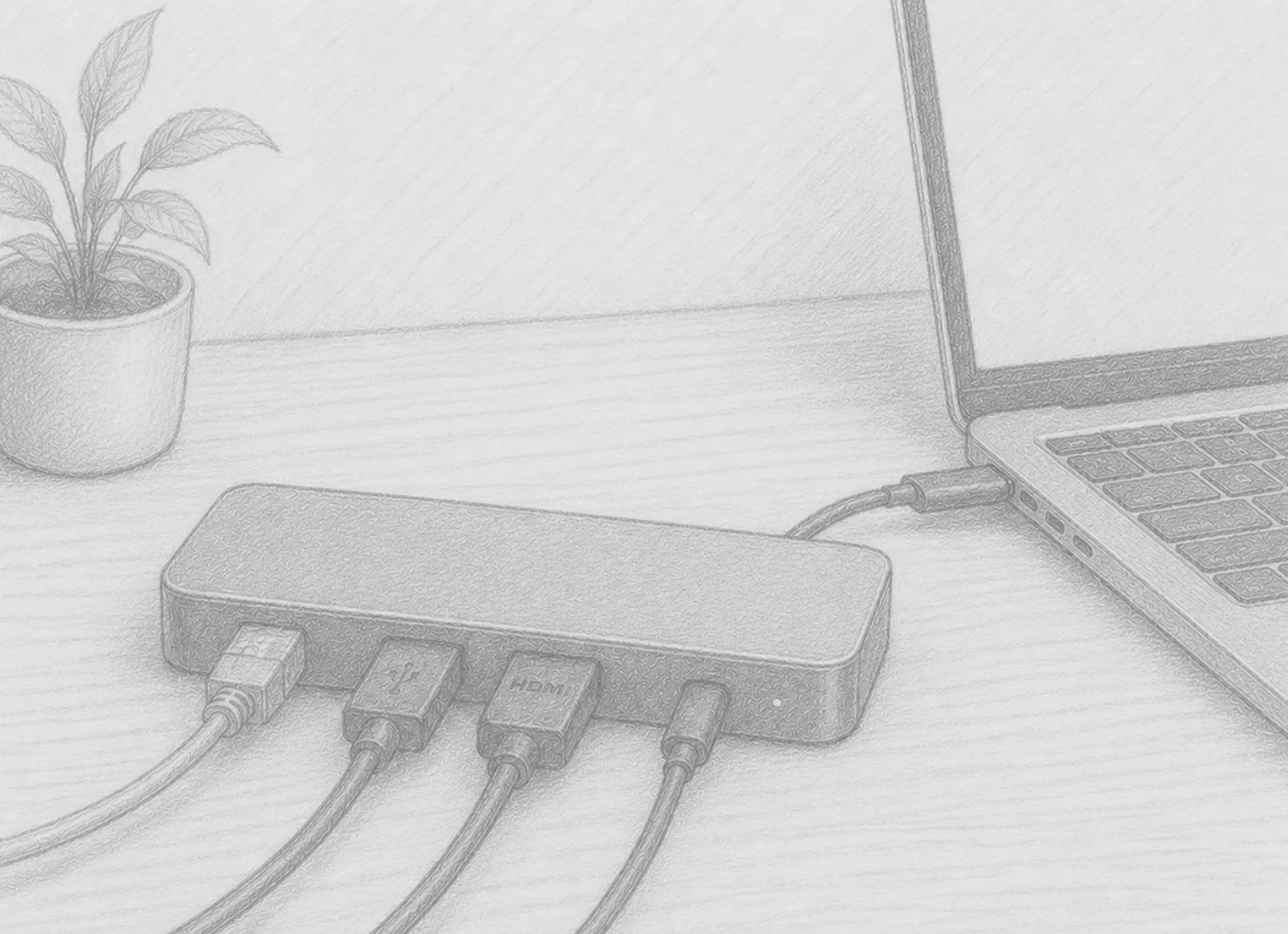
- Anker Docking Station (Dual HDMI + Ethernet) — Connect your ultrawide, peripherals, and wired internet from a single USB-C cable to your laptop.
As an Amazon Associate, we earn from qualifying purchases.